Shadow Render Elements
V-Ray provides three Shadow Render Elements for controlling shadows in a composite. This page gives an overview of these three render elements, and links to specific usage of each one in the Overview.
Section Contents
Page Contents
Overview
A common need in a Beauty Pass is the ability to control shadows. Shadows can be darkened, lightened, or recolored using the Shadow Render Elements.
V-Ray provides three render elements for shadows:
-
Shadows (VRayShadows) - A color image showing cast shadows and the diffuse component. Areas of shadow are shown as lighter in color, while non-shadow areas are dark. It is the product of multiplying the VRayRawShadow Render Element with the VRayDiffuseFilter Render Element in composite.
-
Raw Shadow (VRayRawShadow) - A grayscale image showing only cast shadows with no diffuse component. It is a reverse image of shadows, where shadow areas are brighter and non-shadow areas are darker.
-
Matte Shadow (V-RayMatteShadow) - A grayscale image showing areas where light doesn't reach, as opposed to cast shadows. While this render element is not really a shadow render element, it can be used as a matte to soften, enhance, or tint dark areas of the scene to complement a change in cast shadows.
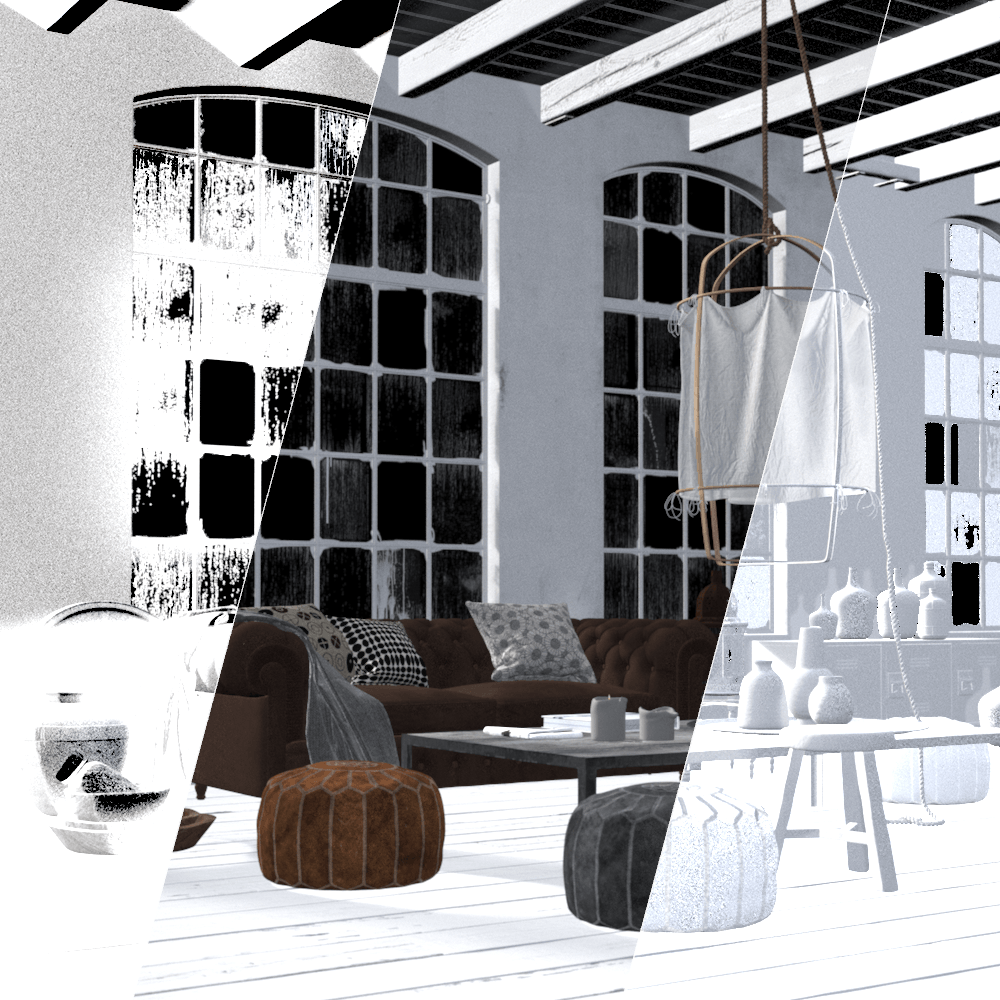
Render Element Examples
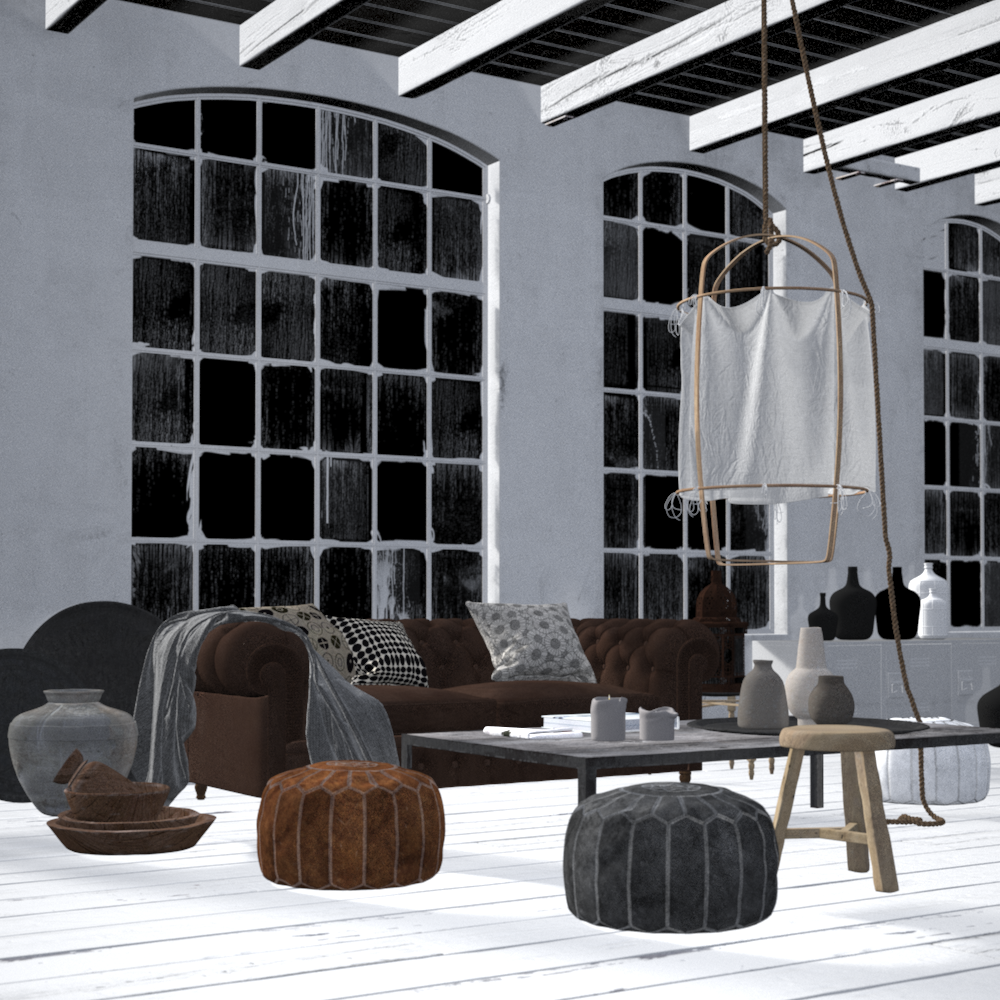
VRayShadows
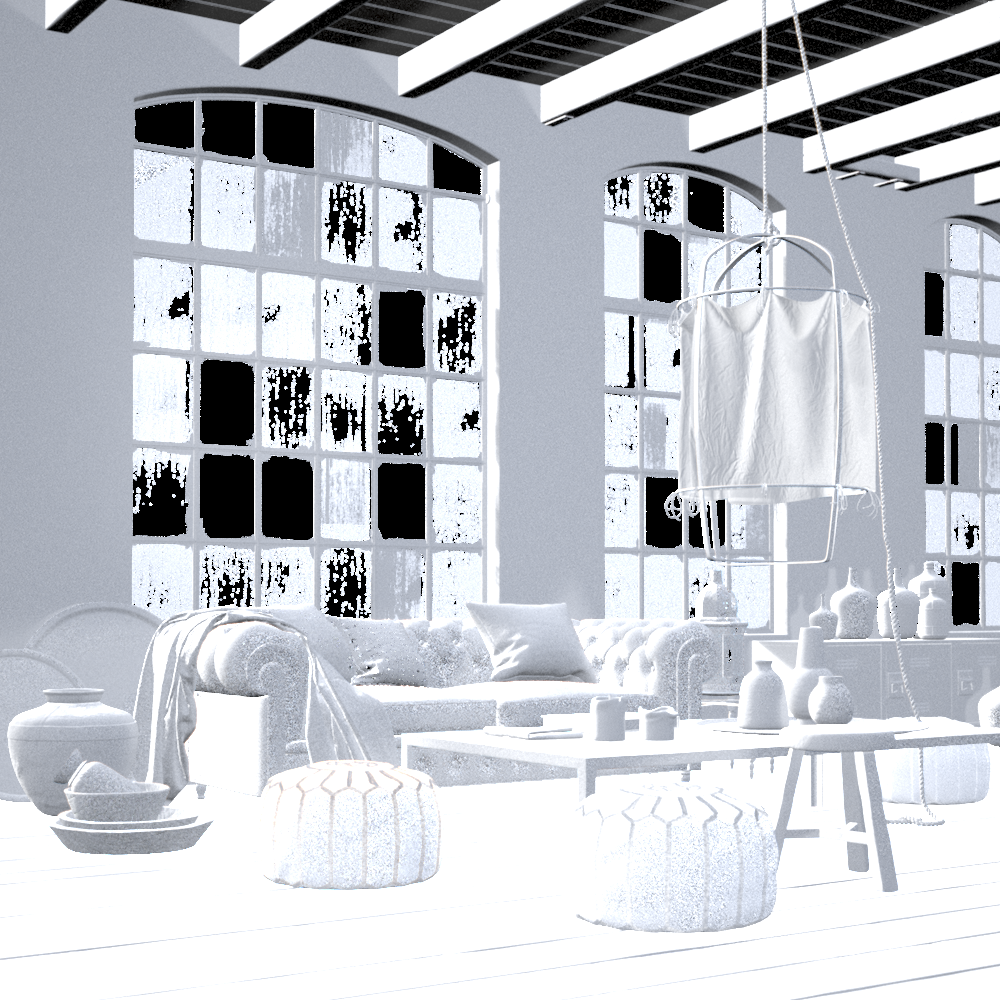
VRayRawShadows
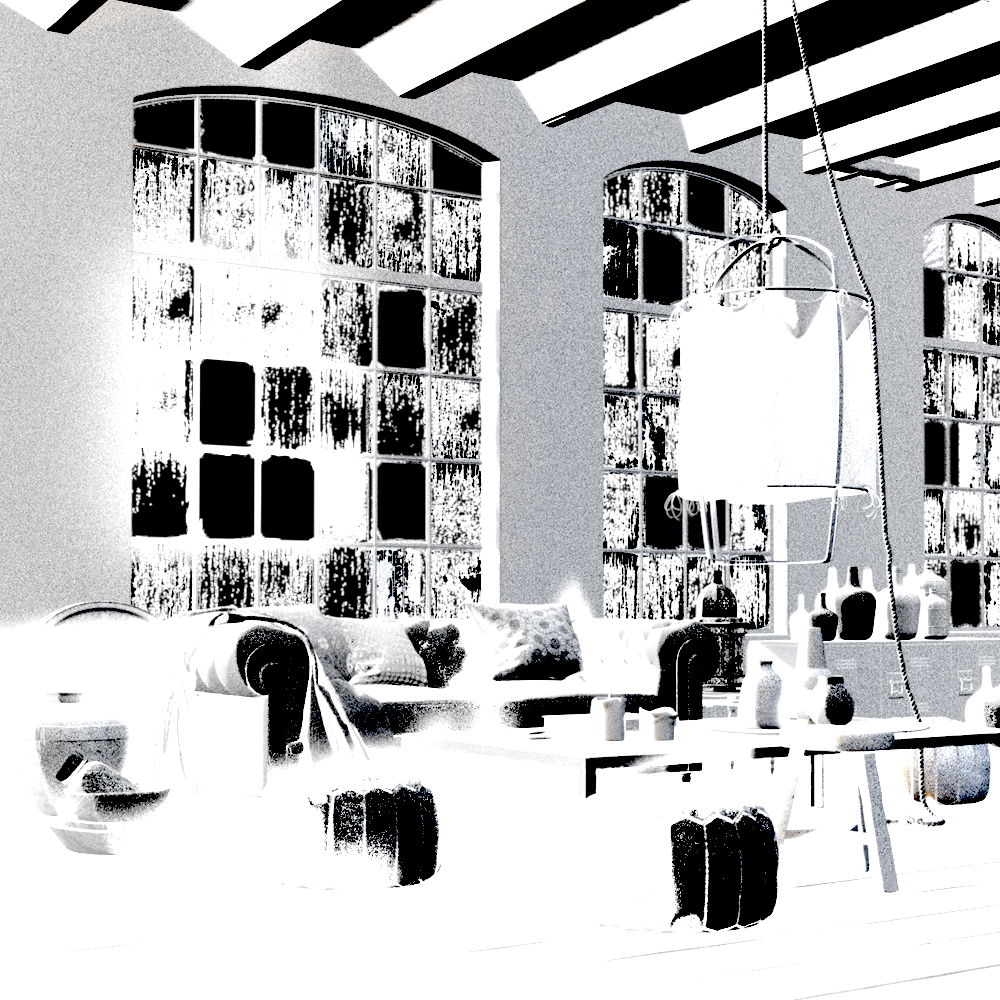
VRayMatteShadows
Notes
-
Shadow Render Elements can be both added and subtracted at a composite level without rerendering.
-
Shadows can be color-corrected using Shadow Render Elements.