Lighting Render Elements
This page gives an overview of the Render Elements available in V-Ray that contain lighting information. Specific usage for each of these render elements is linked in the Overview.
Section Contents
Page Contents
Overview
V-Ray Lighting Render Elements are a group of elements that store lighting information from the scene. Each element can be individually adjusted during the compositing phase, to change the Beauty Pass as desired without the need for rerendering.
The Lighting Render Elements are:
-
Lighting (VRayLighting) - Stores direct lighting information from lights in the scene, including the diffuse contribution.
-
Light Select (VRayLightSelect) - Stores direct lighting information from user-selected lights in the scene; can be limited to the light's raw, diffuse, or specular contribution.
-
Raw Lighting (VRayRawLighting) - Stores the effects of direct lighting on scene objects without the diffuse contribution.
-
Total Lighting (VRayTotalLighting) - Stores the effects of both direct and indirect lighting on materials in the scene, including the diffuse contribution.
-
Raw Total Lighting (VRayRawTotalLighting) - Stores the sum of both direct and indirect lighting in the scene without the diffuse contribution.
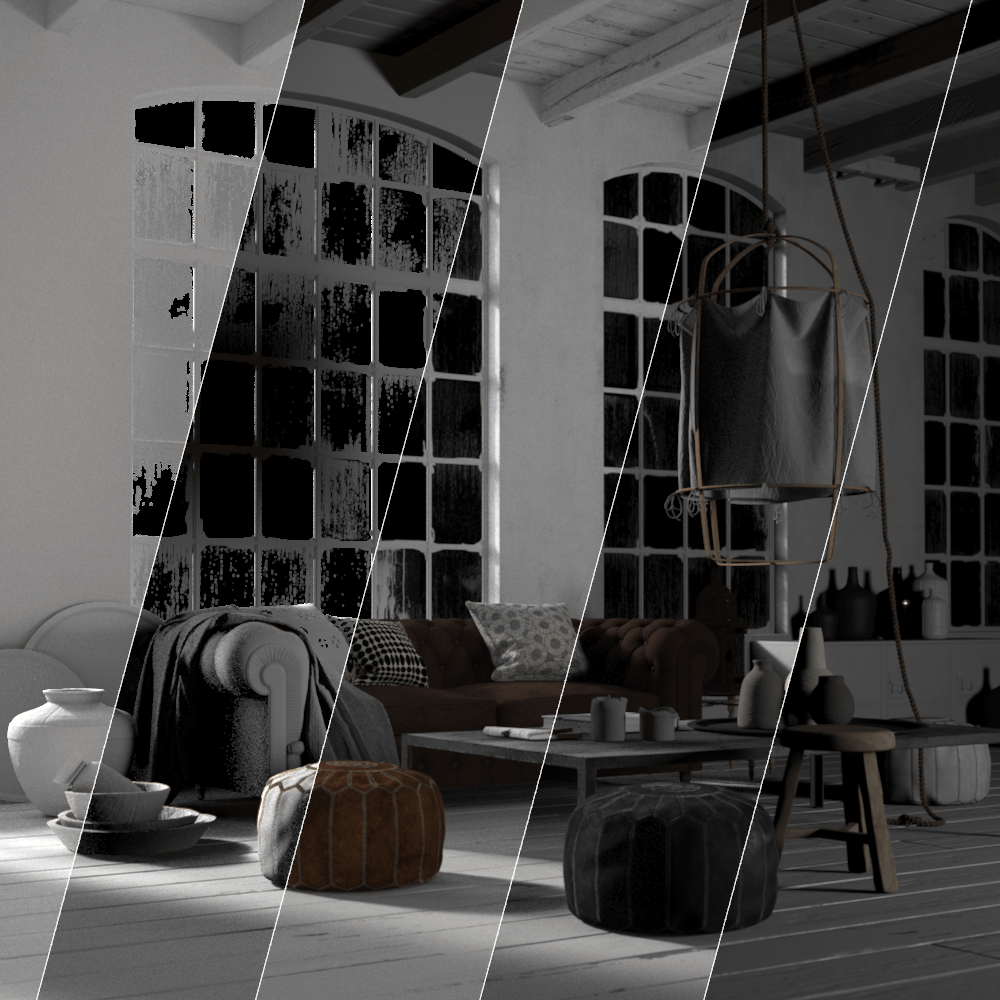
Render Element Examples
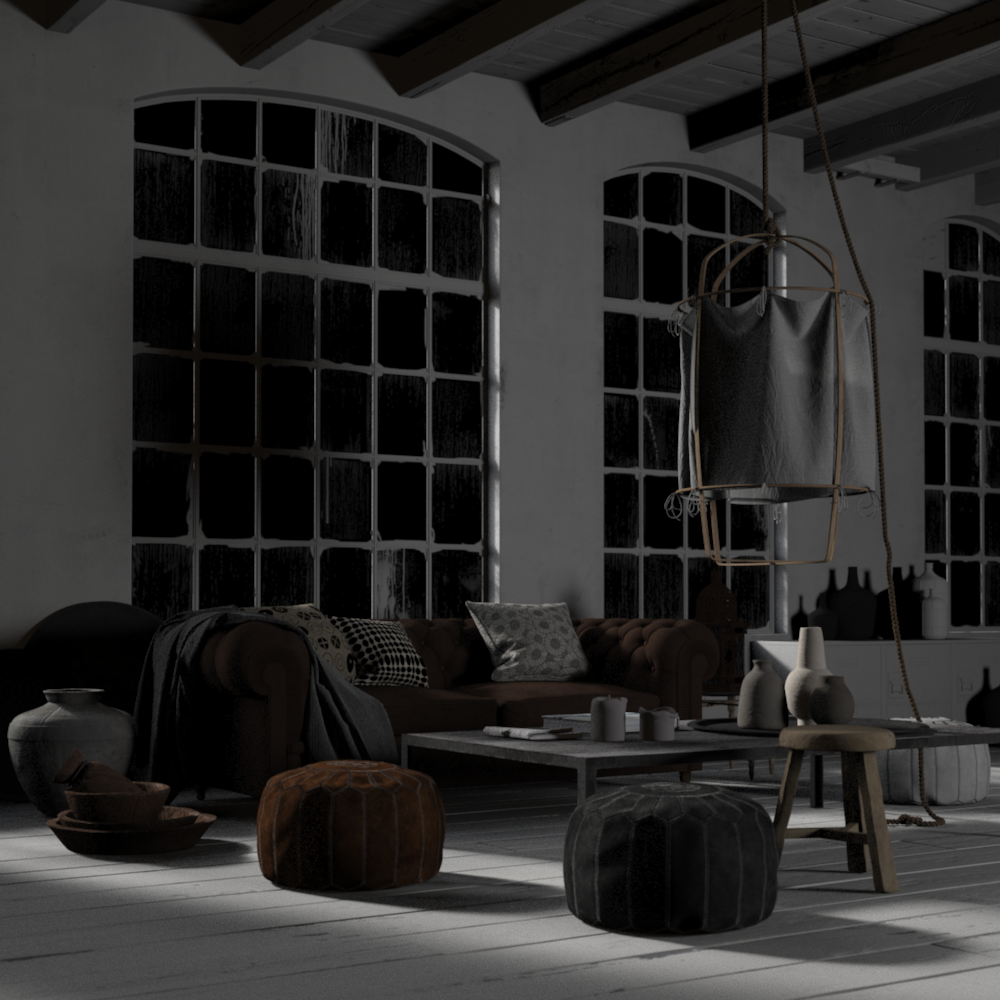
VRayLighting
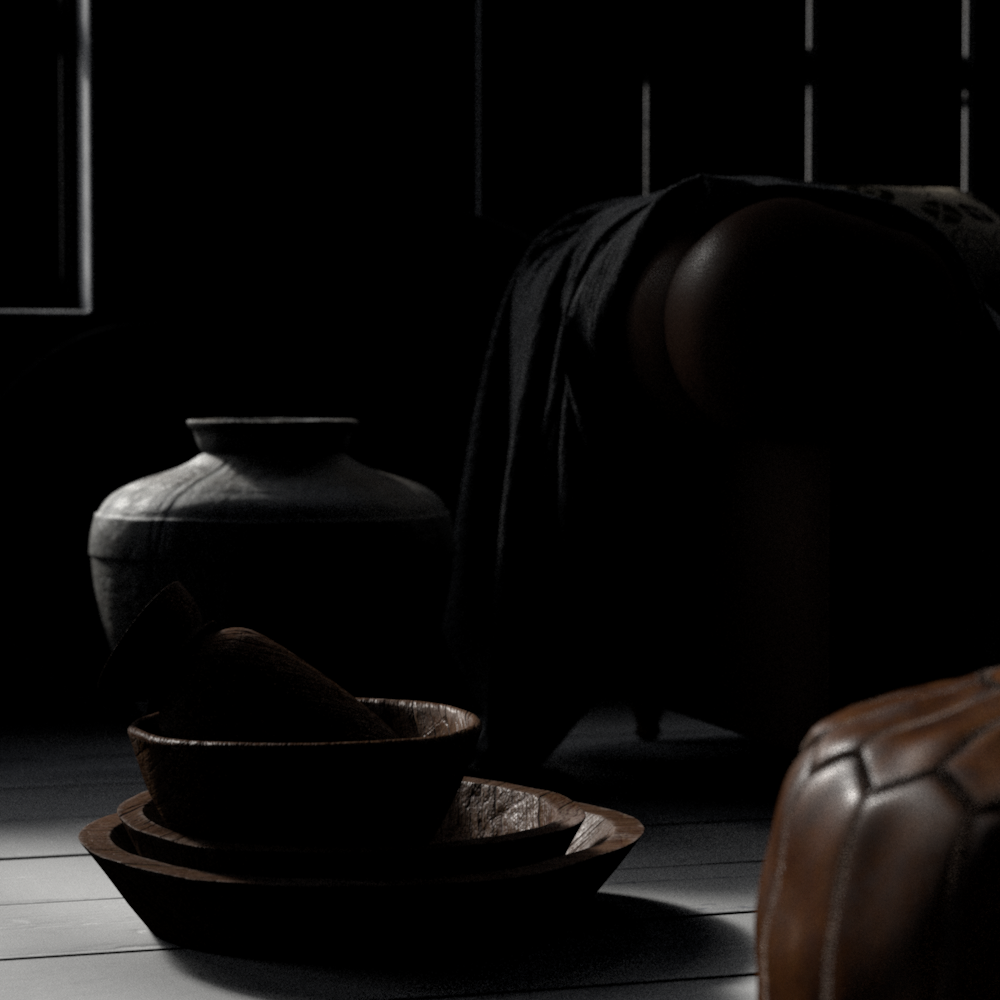
VRayLightSelect - dome light
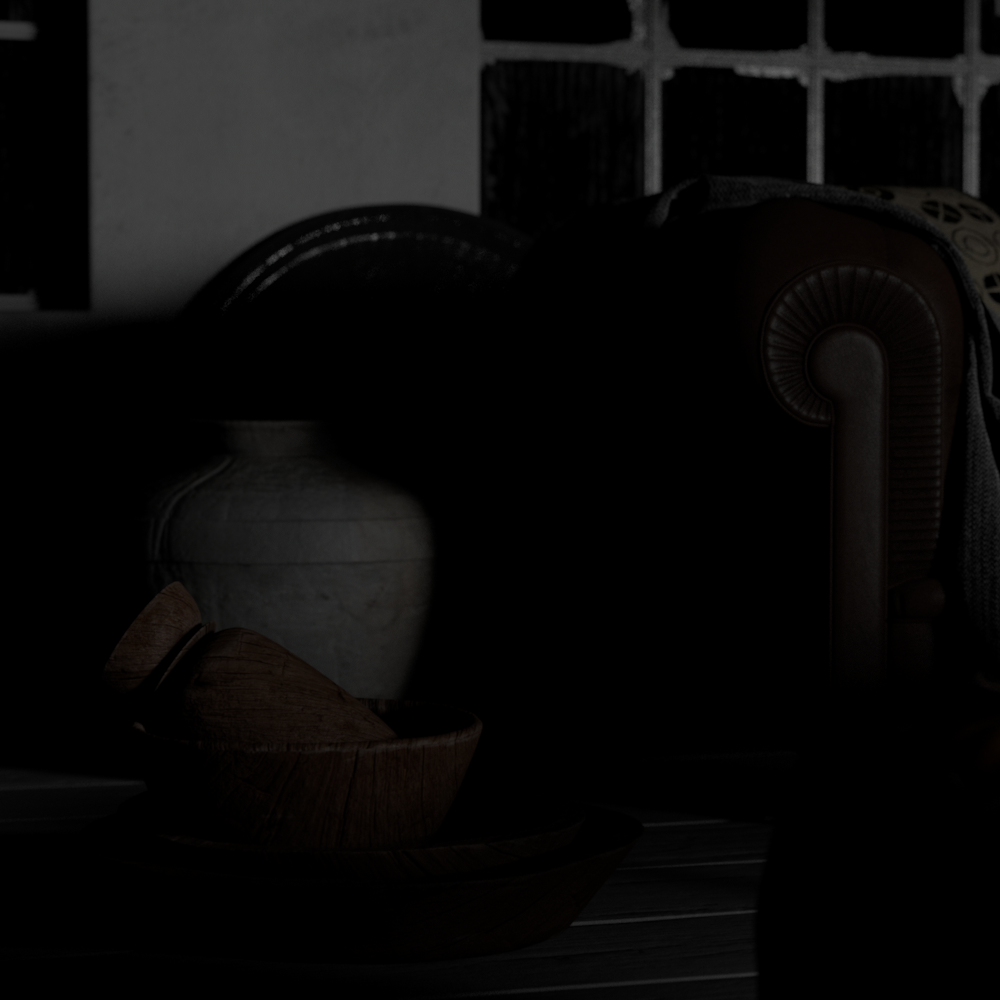
VRayLightSelect - softbox
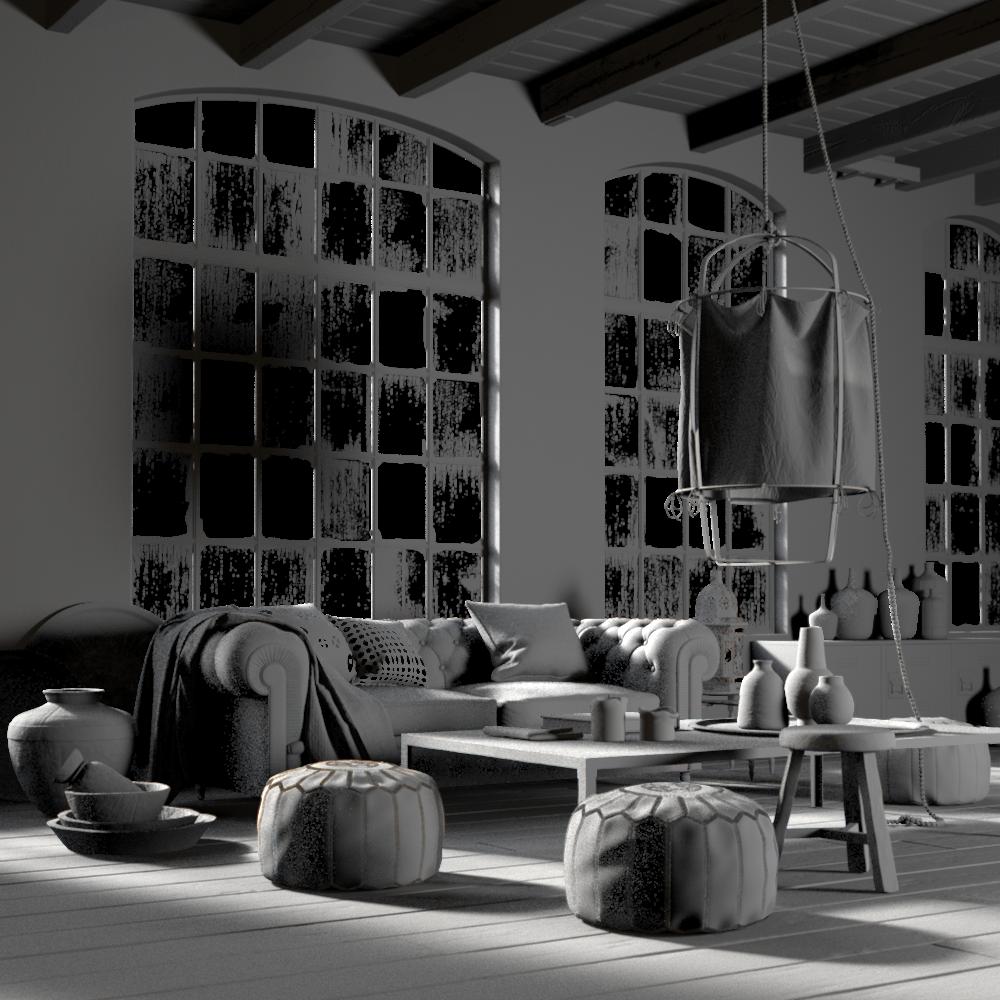
VRayRawLighting
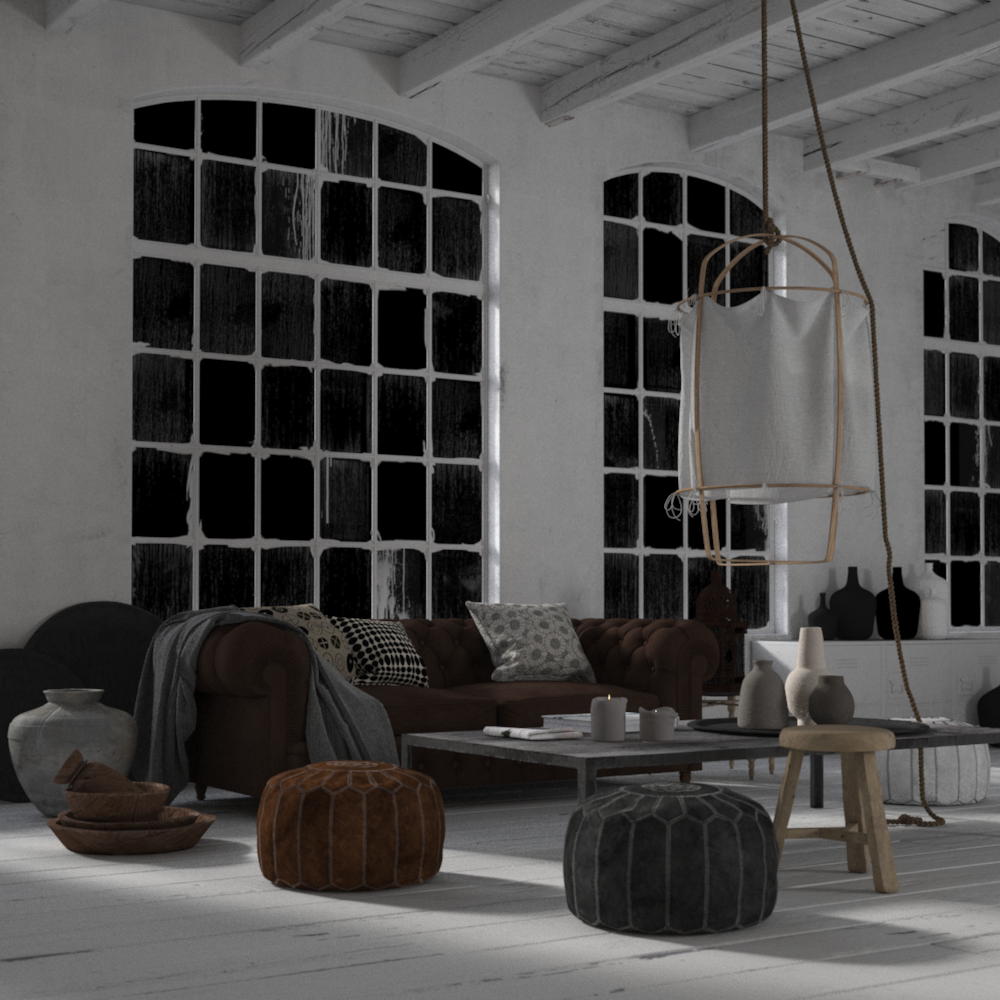
VRayTotalLighting
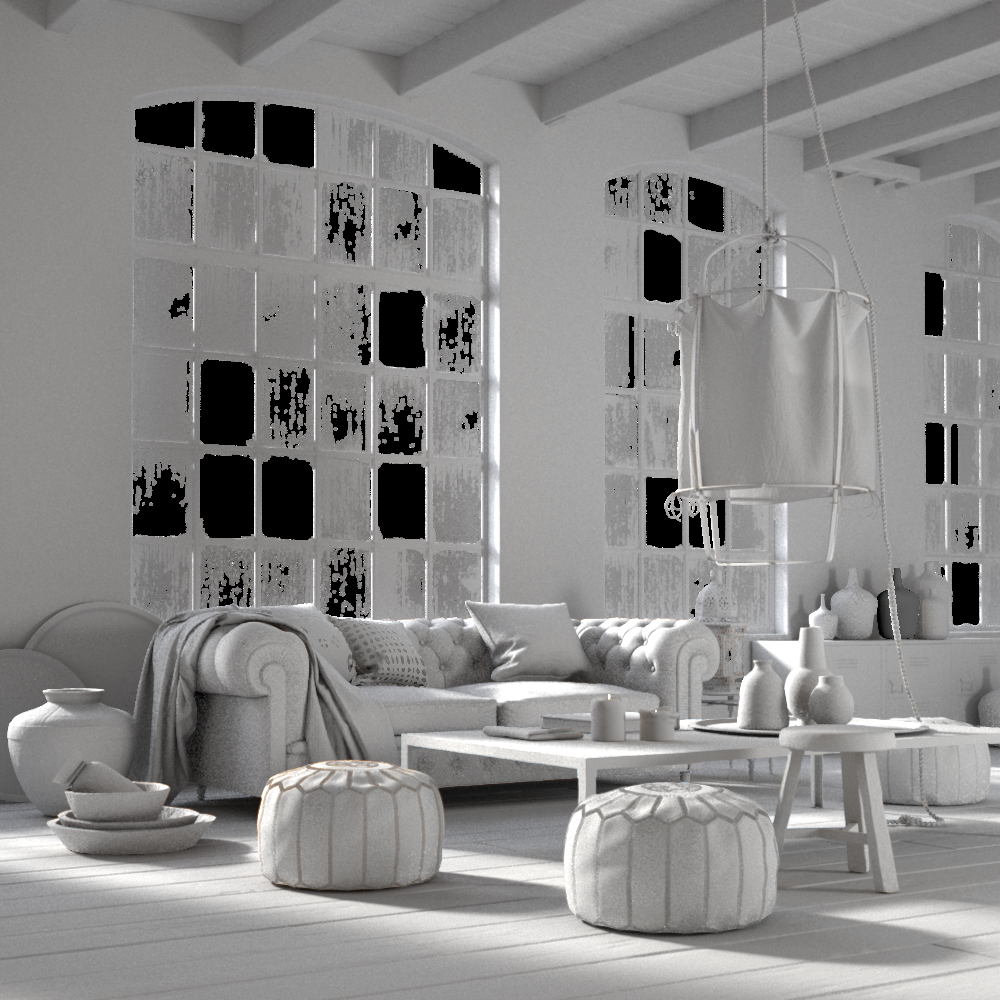
VRayRawTotalLighting
Notes
-
Lighting can be be added or subtracted at a composite level using Lighting Render Elements.
-
Lighting can be color corrected
-
When using VRayLightSelect, lights can effectively be turned on and off at a composite level without rerendering.