Atmospheric and Environment Effects
This page introduces the Atmospheric and Environment effects for V-Ray for 3ds Max.
Section Contents
Page Contents
Overview
The Atmospheric and Environment effects in V-Ray simulate fog, atmospheric haze and participating media for a number of image effects. They also include VRayToon, a cartoon-styled non-photorealistic effect that enables toon shading as a render effect throughout the scene.
These effects are available under the Atmosphere rollout on the Effects dialog (Rendering menu > Effects).
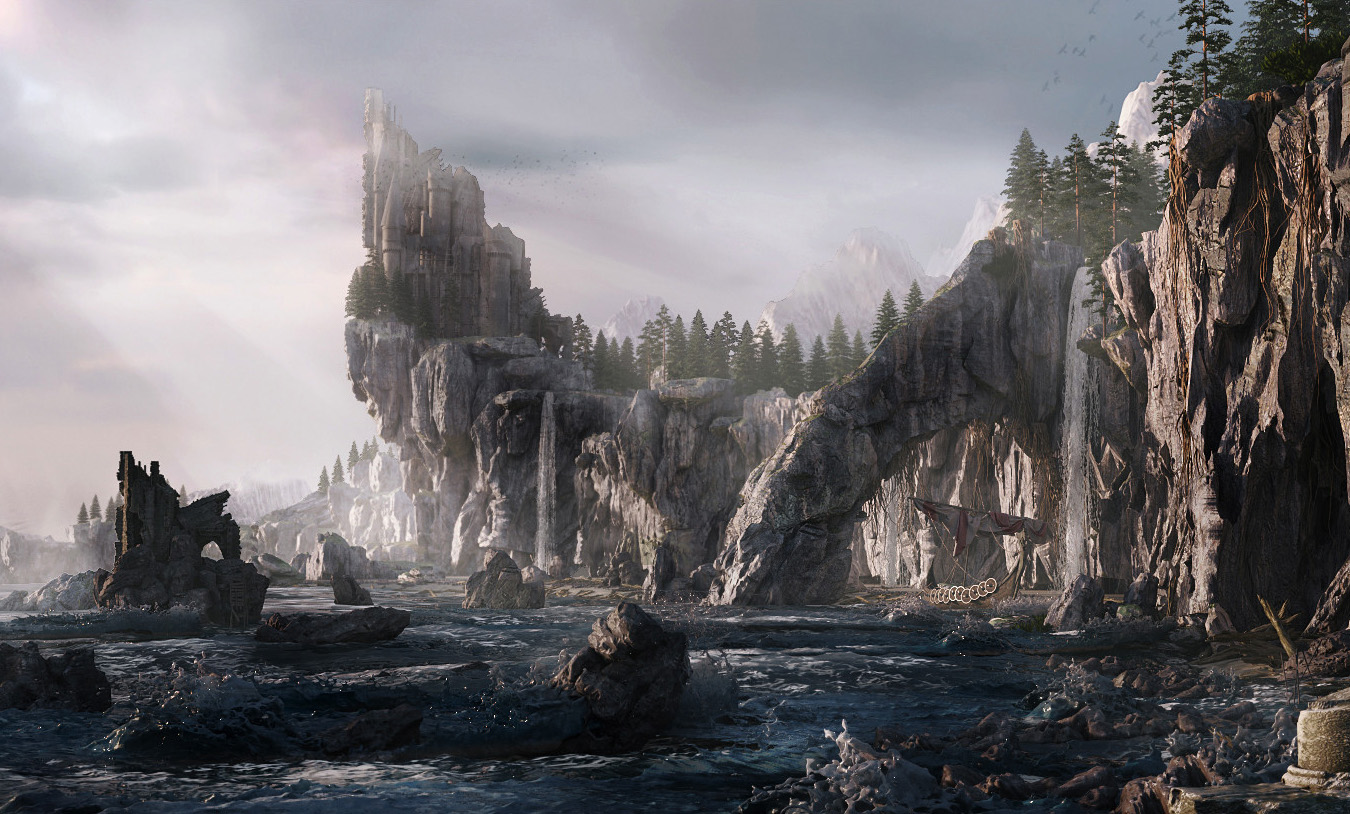
Image courtesy of David Lesperance
Atmospheric Effects
The true atmospheric effects provided by V-Ray are:
-
Environment Fog - An atmospheric effect that simulates participating media like fog, atmospheric dust.
-
Aerial Perspective - Simulates the aerial perspective effect, the result of viewing objects from a distance through the Earth's atmosphere. The effect is similar to fog or haze.
-
Sphere Fade Gizmo - A V-Ray specific atmospheric effect that extracts and renders small parts of the scene by putting them in an atmospheric gizmo .
Toon Render Effect
VRayToon is a very simple atmospheric plugin that produces cartoon-style outlines on specific objects in the scene. See the Toon Render Effect page for more information.