Render Elements tab
This page provides information on the Render Elements tab.
Page Contents
Overview
The Render Elements tab is available in the Render Setup window when Target is set to Production Rendering Mode, when either V-Ray Adv or V-Ray RT is selected as the Renderer. Render Elements are a way to break out renders into their component parts such as diffuse color, reflections, shadows, mattes, etc. to give the ability to fine-tune aspects of the image in compositing or image editing applications.
For information on the render elements available in V-Ray and how to generate and use them, see the Render Elements page.
UI Path: ||Render Setup window|| > Render Elements tab
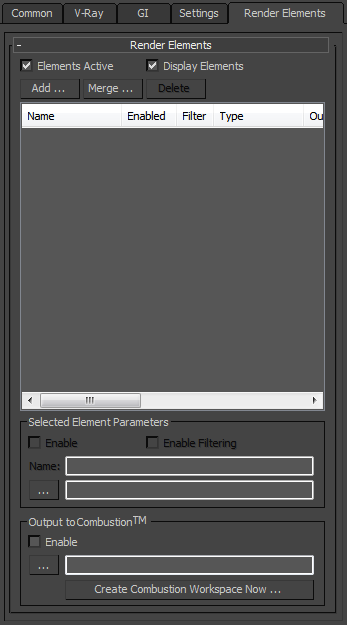
Render Elements tab when V-Ray Adv is selected as Renderer
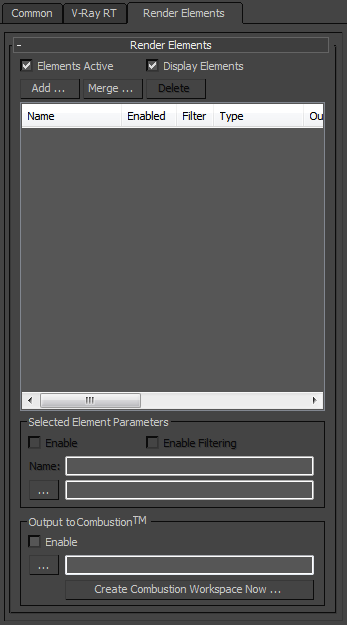
Render Elements tab when V-Ray RT is selected as Renderer